
 Diane
Diane
In response to the current health situation, Apple’s just-released iOS 13.5 Beta now comes with a little upgrade that makes it easier to pull up the passcode option when a Face ID fails. This update after people is now being required to wear a facemask when going outside their homes.
The new feature lets your Face ID automatically detect if you are wearing a face mask. When this happens, it then directs you to the passcode screen. Some of the iPhone 12 rumors even went so far as the old Touch ID feature could come with the new handset. But if the iPhone 12 includes the Touch ID feature, this remains to be seen.
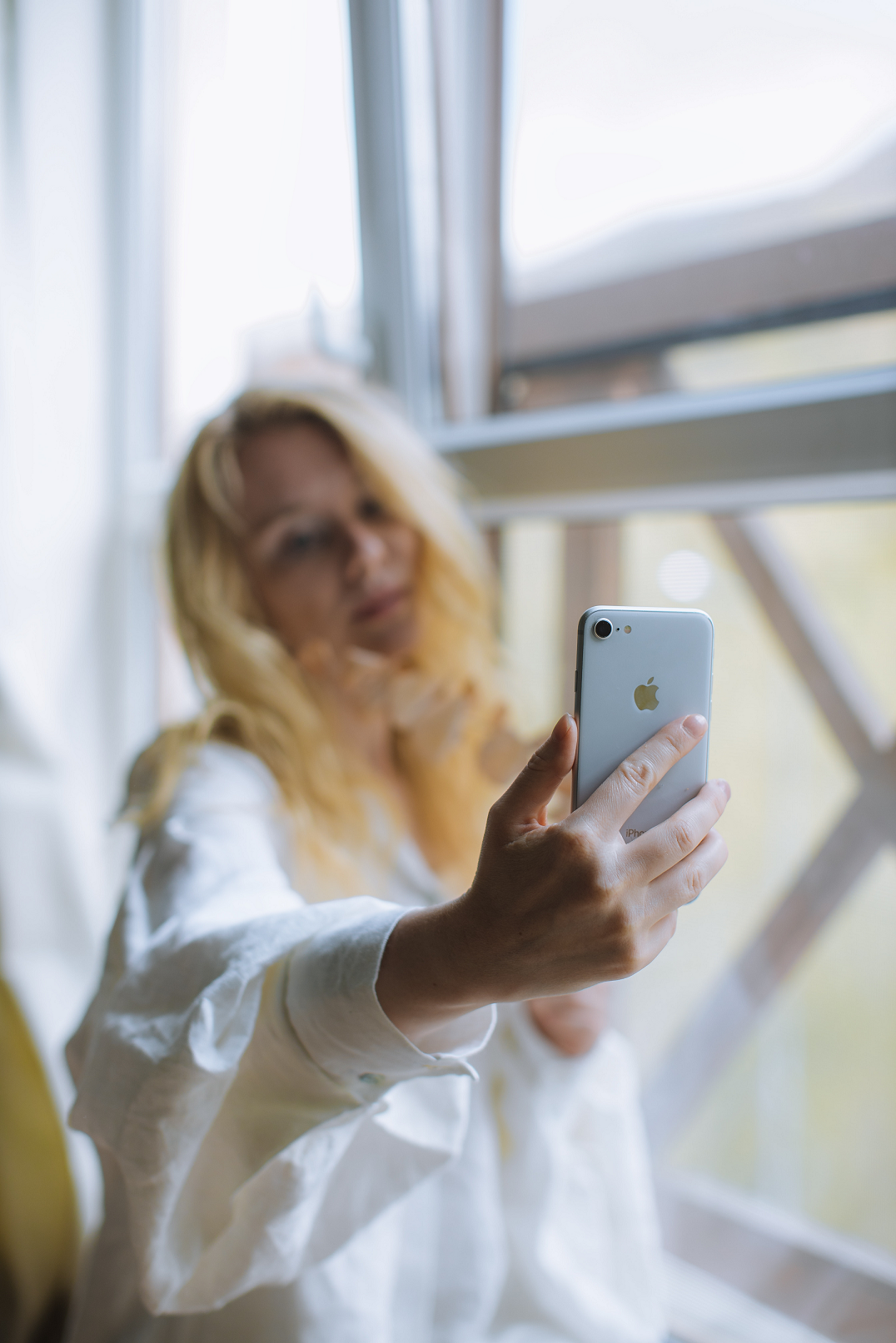
Face ID works by recognizing prominent facial features such as your eyes, nose, and mouth. Wearing a mask obscures the nose and the mouth, making face recognition difficult, if not impossible. There have been several suggested workarounds such as configuring your Face ID with half of your mask down, but results have been inconsistent.
The new iOS 13.5 Beta update now makes it possible for you to access the passcode interface by swiping upwards from the home screen. Access to the passcode is now seamless when wearing a mask.
Even before the new updates, there were several ways to bypass Face ID. The simplest is to tap the ‘Face ID’ text’ in the middle of the screen, which brings up the passcode input screen.
Before the update, you had to wait for a few seconds for the passcode option to pop up after failing to unlock your iPhone via Face ID. However, with the latest update, accessing the passcode entry is now quicker.
Face ID versus Touch ID
The logic is similar for both Face ID and Touch. It uses the owner’s unique ‘physical’ information (fingerprint, facial features) to unlock the device securely. Some iPhone users contend that the old Touch ID was more reliable and should not have been removed even with the introduction of Face ID.
There are always two sides to the coin. In the past, people who wore gloves for work, for example, praised the introduction of Face ID. But this is just one of the signs of the new times. Just glad that Apple recognized this and made a solution around it.

 Ronald Uy
 Leah H. Blanchard



 Adrienne Blanier


0 Comments