
 Diane
Diane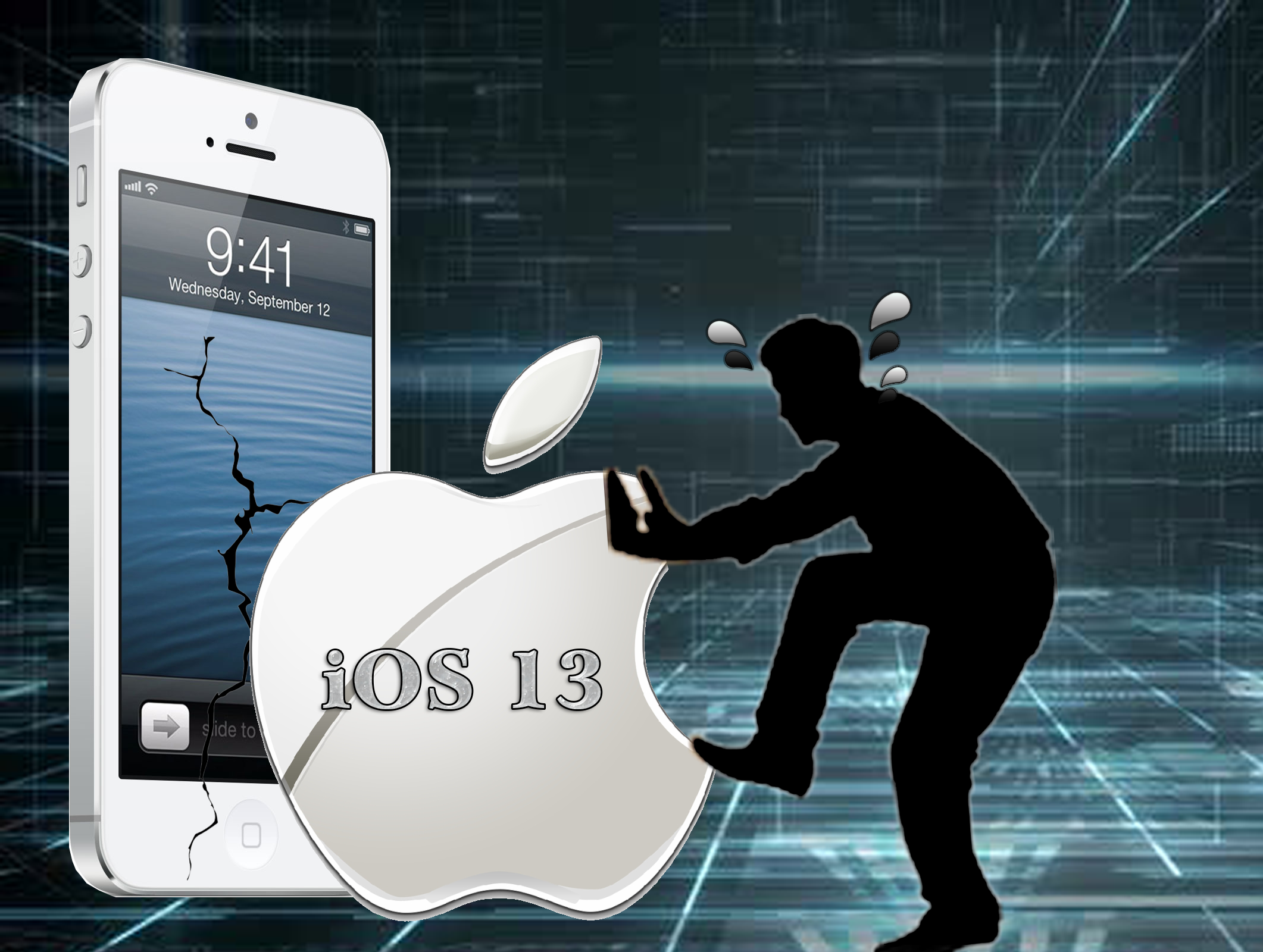
Why fix it when it isn’t broke or why buy a new one when its working perfectly? This certainly applies to many things like your old car but when it comes to your trusty iPhone or iPad, the choice of upgrading to the new iOS 13 might not be entirely be yours.
Along with the release of the newest iPhone this September comes the latest iOS 13. Introduced at the keynote event of the 2019 Worldwide Developers conference on June 3, the new iOS promises a long list of major improvements over its predecessor.
What’s New with the iOS 13?
Apple’s operating system builds on the previous version’s optimization trend making the new iOS quicker and more efficient. Improvements include faster app launch times and Face ID is 30 percent faster for starters. For a more detailed look into the new iOS 13, let’s explore the different features below.
Dark Mode
One of the features that standout with the new iOS 13 is the “dark mode” option. This feature which first came with the macOS last year, enables users to switch their lightly toned menu bars with a dark grey tone which is perfect for low light conditions. The new dark mode just gives the phone a new feel. This feature automatically activates at sunset or can be set on a custom schedule. This is supported on all standard Apple apps while 3rd party apps must first use Dark Mode APIs to be able to integrate the dark mode feature.
Photo and Video Editing
Photo editing tools also got an upgrade making it even easier to edit images. Visible changes include editing tools now conveniently located at the bottom of the photos. Editing is now made more convenient with the slider wheels easily togglable with a few taps of the fingertips. Improvements include improved video editing using the photo editor. The same photo editing tools now lets you rotate, crop, and filter videos. A new High-Key Mono lighting effect for creating monochromatic images is also available.
The camera app has undergone several tweaks in response to similar apps found on rival phones and tables. Apple has included improved options for recording videos and taking photos. Users now have the option of adjusting the light source during portrait mode and applying filters to videos.
Enhanced Security
Not surprisingly after the news on the latest iPhone hacks, the new iOS 13 places big emphasis on security including a new sign-up option called “Sign-in with Apple.” This privacy feature gives you a more secure of signing into apps and websites. It uses your Apple ID to authenticate your accounts via Face ID or Touch ID. Instead of exposing your account information, developers will only see a unique random ID. New security features include generating single-use, randomly generated email addresses. This eliminates the need to submit email information to apps. This also protect users by eliminating the need to use social accounts or filling forms. (link to iPhone security issues article)
Find My App
The Find My app combines two existing features; Find My Friends and Find My iPhone. This can be accessed under the People tab in the Find My app. This app allows users to check the location of friends or family members who have given you access to this information. With the app, you can quickly get direction to a friend’s location or set up notifications based on location. Find My iPhone can now be located at Devices. The app still offers users the same ability to track their iPhone or other compatible devices. You can also find these two tabs in the Me section, where you can disable the sharing location option or block friend requests.
Another nice touch is the ability to locate a missing device even when it’s not connected to Wi-Fi or does not have a cellular connection. Marking your iPhone as missing for example enables another Apple device to detect your devices through its Bluetooth signal. This is done incognito and does not require any user intervention ensuring security between parties.
Messaging
The new operating system offers improved search functionality by displaying recent messages, photos, and recently visited links. The new iOS 13 also allows you to search within conversations. Swipe typing is now standard in the keyboard. Previously, swipe typing was only available through 3rd party apps. Create an animated cartoon version of yourself using Apple’s “Memoji.” Create your own stickers, emojis, change facial expression and send these through the Messages app.
For the complete list of the new operating system’s features, visit Apple iOS 13 features.
What happens to iPhones and iPads with old Operating Systems?
Your iPhone certainly won’t drop dead or stop working without the new iOS 13 update. What happens is that you’re going to miss out on the new performance upgrades and features that comes with the latest operating system. However, a major concern would be apps discontinuing their support for older OS. Without the option of upgrading these apps, these become incompatible and would no longer function.
Unsupported iOS 13 Devices
Sadly, these iPhones will be missing out on the new iOS update.
- iPhone5S (and older)
- iPhone6/6 Plus
- iPad-Mini2
- iPad-Mini3
- iPad Air (2013)
Key Takeaways
is it just me or do you find the constant iOS upgrades quite annoying? This is especially true when I find myself with less than the recommended battery level, without a strong internet connection, and must constantly reschedule the update.
This is certainly not a sinister plot from Apple to sell its latest iPhones. Upgrades represent improvements and oftentimes software updates are limited by hardware. An older processor for example would prevent you from installing the latest games or application on your computer.
For iPhone 5S and older model owners, this won’t prevent you from making calls, sending messages, or even taking pictures. Basic functionalities which still makes your smartphone useful for everyday use. So is it time to say goodbye to your old iPhone or iPad? If you can live missing out on the new features and just want a phone to make calls or send messages, then I wouldn’t call the new iOS 13 life changing.

 Ronald Uy
 Leah H. Blanchard



 Adrienne Blanier


0 Comments